

How it works
Leadit Reviews works on its own. You choose when to ask for the review and through which channel; the app does the rest for every order.
- ShopifyYour customer buysShopify tells us about the paid order.
- Leadit ReviewsWe schedule the requestA few days after it arrives, based on what you chose in Flow.
- Leadit ReviewsThe message goes outBy WhatsApp or email, with a photo of what they bought and their link.
- Your customerThey leave a reviewStars, a comment, photo and video. Under a minute.
- Leadit ReviewsIt's published in your storeFollowing your moderation rules, on each product page.
1. The request
Section titled “1. The request”When the day comes, your customer gets a message with the product photo and a button to leave their review. It can come from the Leadit Reviews WhatsApp or from yours.
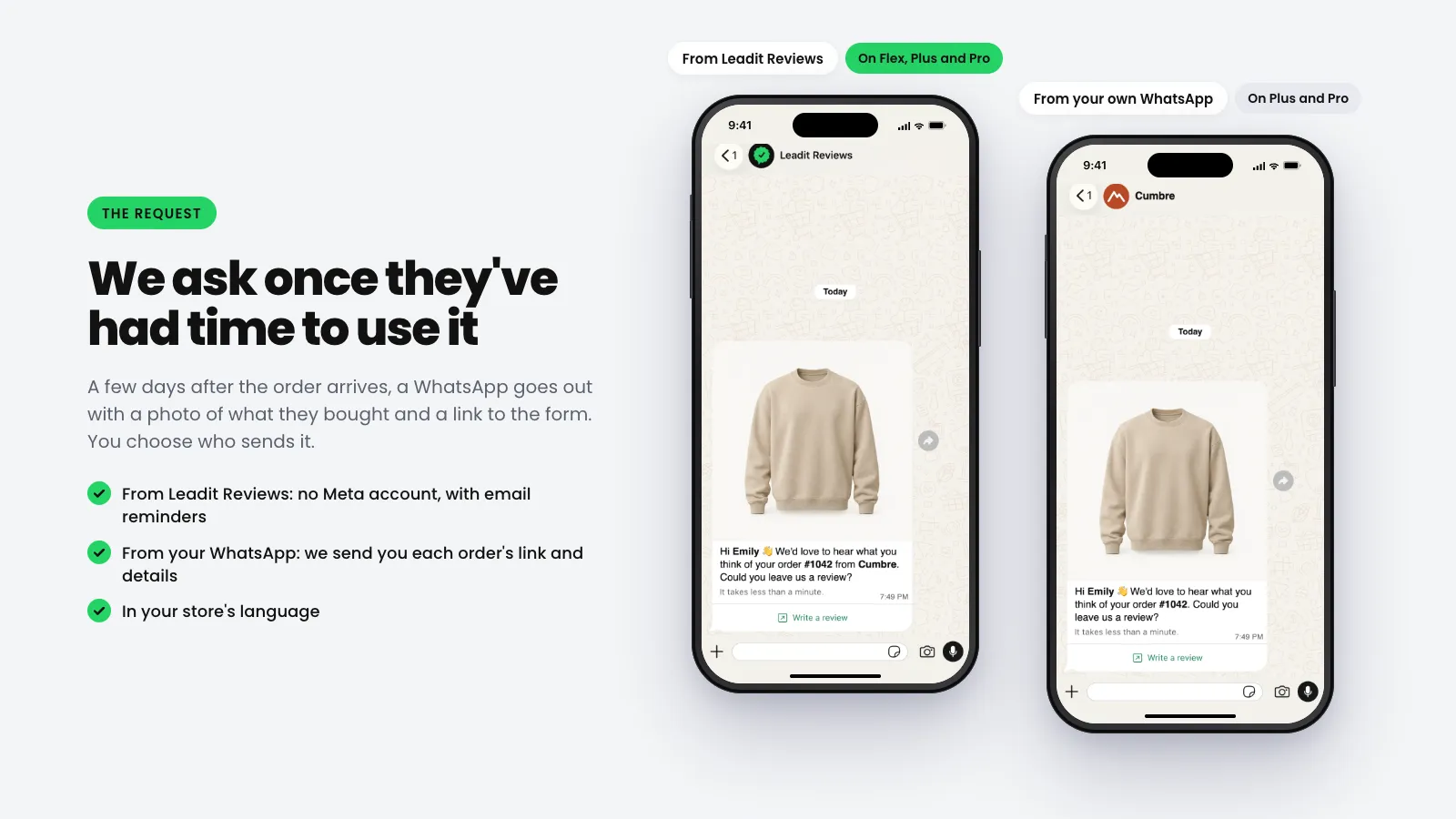
If your customer doesn’t reply, we remind them: by email if the message came from Leadit Reviews, or through your channel if you connected your own. You choose how many reminders and how many days apart, in Flow.
2. The form
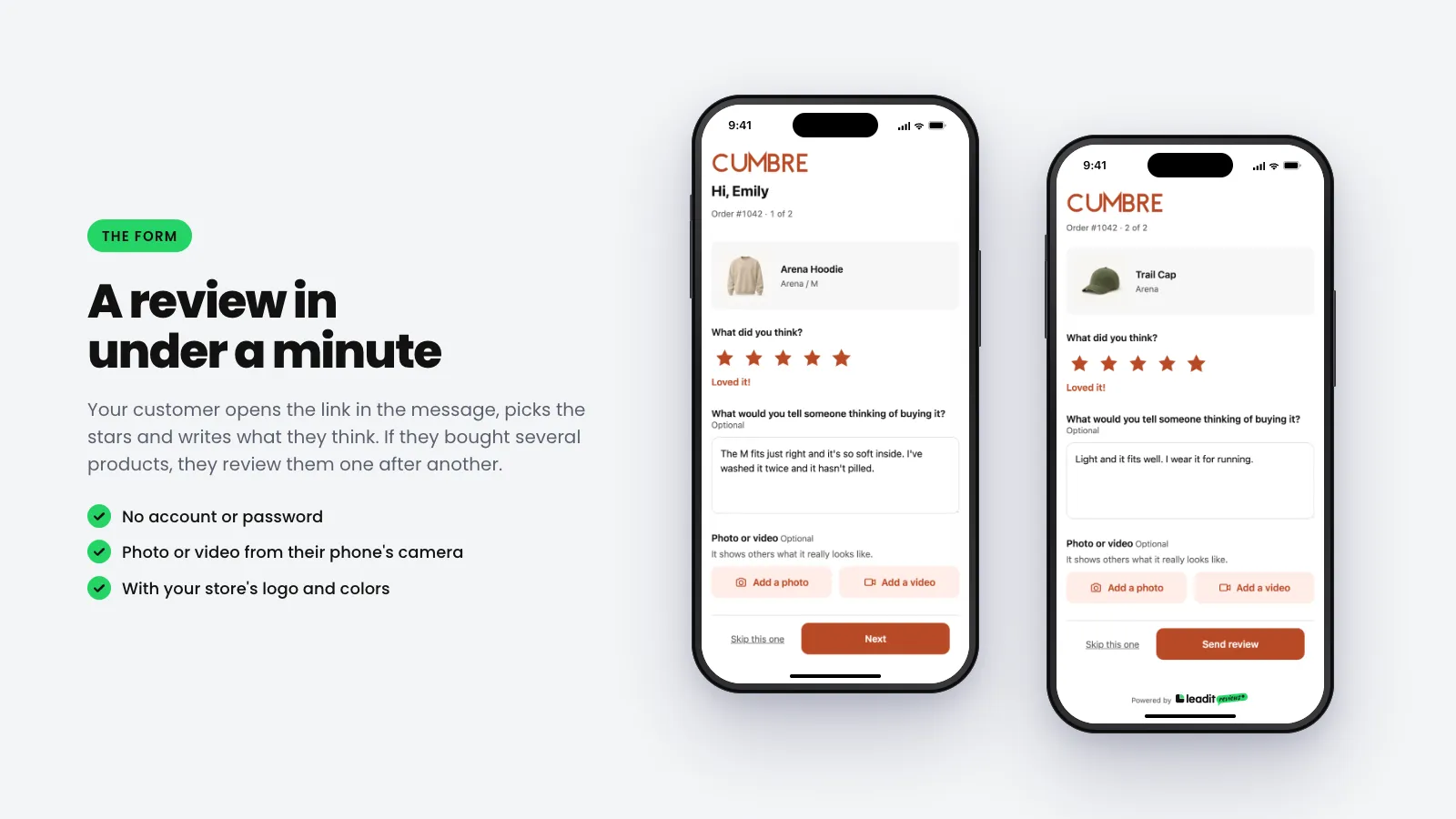
Section titled “2. The form”The link opens a form with your store’s logo and colors. No account or password needed. If they bought several products, they review them one after another.
3. The review in your store
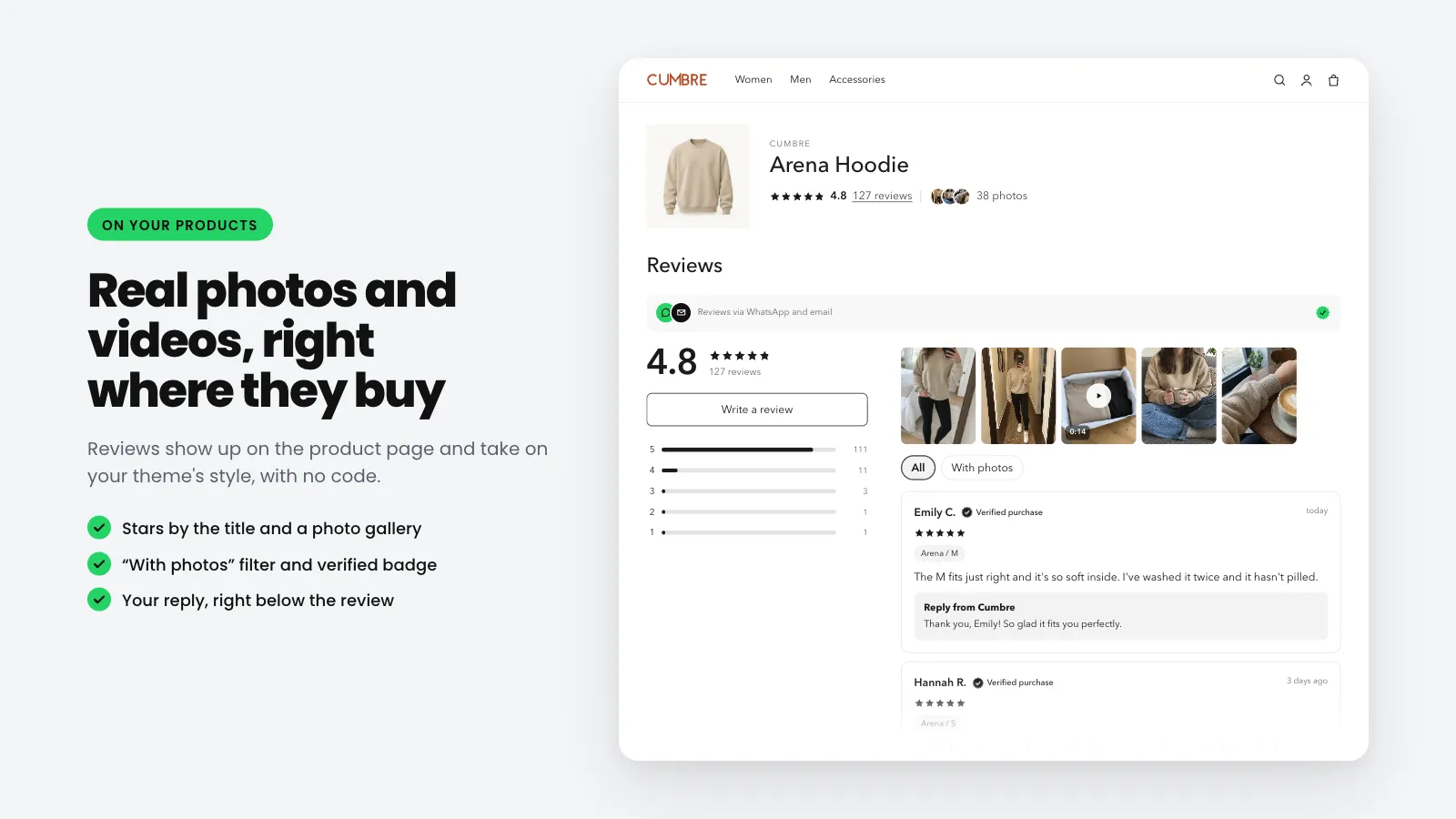
Section titled “3. The review in your store”The review lands in Reviews in the admin. Depending on your rules, it’s published on its own or waits for your approval. Once published, it shows up on the product page with its stars, photos and videos. How to add them to your theme →
What you decide
Section titled “What you decide”| In the app | What you decide |
|---|---|
| Flow | When the request goes out, how many reminders and which channel it uses. |
| Form | Logo, colors, language and which questions it asks. |
| Reviews | What gets published, what gets rejected and what you reply. Moderate reviews → |
| Channels | Your own WhatsApp (webhook), API keys and the QR code for your packaging. |