

Your own WhatsApp (webhook)
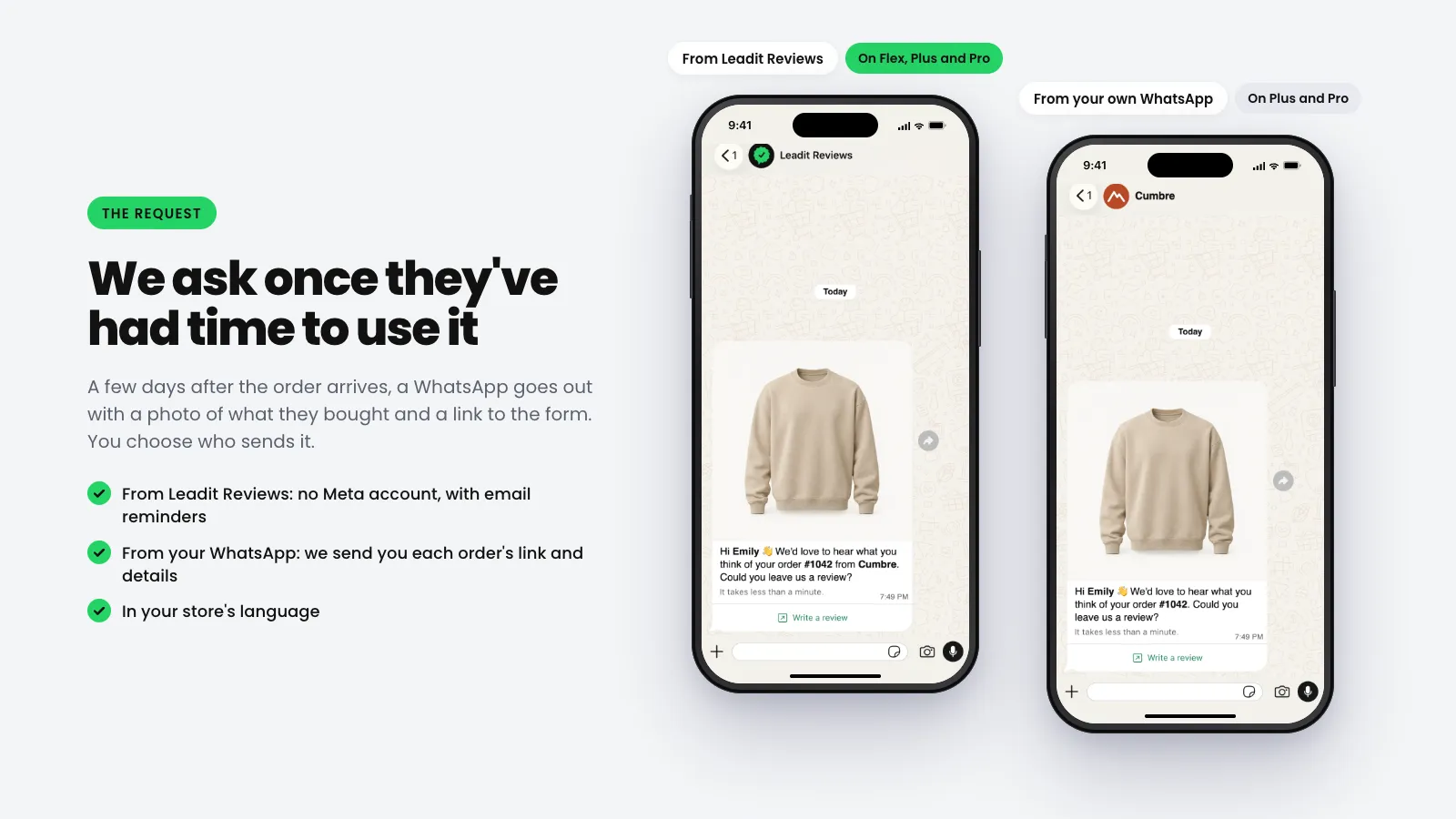
With this channel, the message comes from your WhatsApp number, with your brand in the chat. Leadit Reviews still does everything else: it decides when it’s time to ask for the review, builds the link and receives the review. You just send the message.
What’s a webhook?
Section titled “What’s a webhook?”A webhook is an automatic notice. When it’s time to ask a customer for a review, Leadit Reviews notifies your WhatsApp system: “It’s time. Here’s the customer, here’s their order and here’s their link.” Your system gets the notice and sends the message with your template.
It’s like a waiter passing the order to the kitchen: you don’t have to keep asking whether there are orders, they come to you on their own.
- Leadit ReviewsTime to ask for the reviewOn the day you chose in Flow.
- Leadit ReviewsWe notify youWe send a notice to the address you set in Channels.
- Your systemYour system sends the WhatsAppWith your approved template, from your number.
- Your customerYour customer taps the buttonTheir form opens and they leave their review.
What do I need?
Section titled “What do I need?”- The Plus or Pro plan of Leadit Reviews.
- A WhatsApp platform that receives webhooks. Almost all of them do: WhatsApp Business API platforms (the one you already send messages with) and automation tools like Make, n8n or Zapier. Look in yours for “webhook”, “inbound webhook” or “webhook trigger”.
- A template approved by Meta with the link button. We explain how to make it in the Meta template.
What data do we send you?
Section titled “What data do we send you?”Each notice carries the data you need to write to your customer, and nothing else.
| Data | Example | What it’s for |
|---|---|---|
| Customer’s first name | Maria | Greeting them in the template. It can be empty if they bought without a name. |
| Phone | +525512345678 | Who to send the WhatsApp to, with the country code. If we couldn’t confirm it, it comes separately, just as the customer typed it. |
| Country | MX | Picking the template in the right language. |
| maria@example.com | In case you’d rather write to them by email. | |
| Order number | #1042 | Mentioning it in the message, as the customer sees it. |
| Products | Sudadera Arena, size M | The name, variant, photo and link of each product. |
| Form link | reviews.leadit.tech/r/8Kj2… | The full link, in case you want to put it in the text or in an email. |
| Token | 8Kj2mQx7RrT0… | The most important part: the end of the link. It’s what goes in your template’s dynamic button. |
| Expires | December 15 | How long the link works. |
| Language | es | The language of the form. If it’s empty, it’s the one you chose for your store. |
Does your tech team want to see the exact notice, field by field? It’s in Webhooks for developers.
How to connect it
Section titled “How to connect it”-
Copy the webhook address from your platform.
In your WhatsApp or automation platform, create a webhook trigger. It’ll give you an address that starts with
https://. Copy it. -
Paste it in Leadit Reviews.
In the app, go to Channels → Outgoing webhook. Paste the address in Endpoint URL.
-
Choose which notices you want to receive.
To send the request from your WhatsApp, check Request ready to send. If you also want to send the reminders yourself, check Time to send a reminder.
The others are optional: they help you thank the customer, send a coupon or log the review in your CRM.
-
Tap Connect and save the secret.
We show you a signing secret only once. Copy it and give it to whoever sets up your platform: it’s used to check that the notice really comes from Leadit Reviews.
-
Build the message in your platform.
Connect the notice’s data to your template’s variables: the name, the order, the photo and, in the button, the token. We explain it with drawings in the Meta template.
-
Send a test.
In Flow → Dispatch, pick a sample order and tap Send test. The test carries the flag
"test": true.
How do I know it’s working?
Section titled “How do I know it’s working?”In Channels → Outgoing webhook → Latest deliveries you see every notice we sent and what your platform replied.
| Status | What it means |
|---|---|
| Delivered | Your platform received it. |
| Retrying | Your platform didn’t reply correctly. We try again on our own. |
| Not delivered | After six attempts, over about 15 hours, we give up. Check your platform and tap Retry. |
Can I use the Leadit Reviews WhatsApp and mine at the same time? Not in the same store: each order goes out through a single channel. As long as your webhook listens to Request ready to send, they all go out through yours.
Who pays for the messages? Messages from your number are charged by Meta, on your account. In Leadit Reviews that order counts as one without WhatsApp on your plan.
What if the customer has no name? The name can be empty (guest checkouts). Your template needs a text for that case: we cover it in the Meta template.
What happens with the customer’s replies? They reach your number, like any chat. The review is left in the form, not in the chat.